Every store card, one tap away
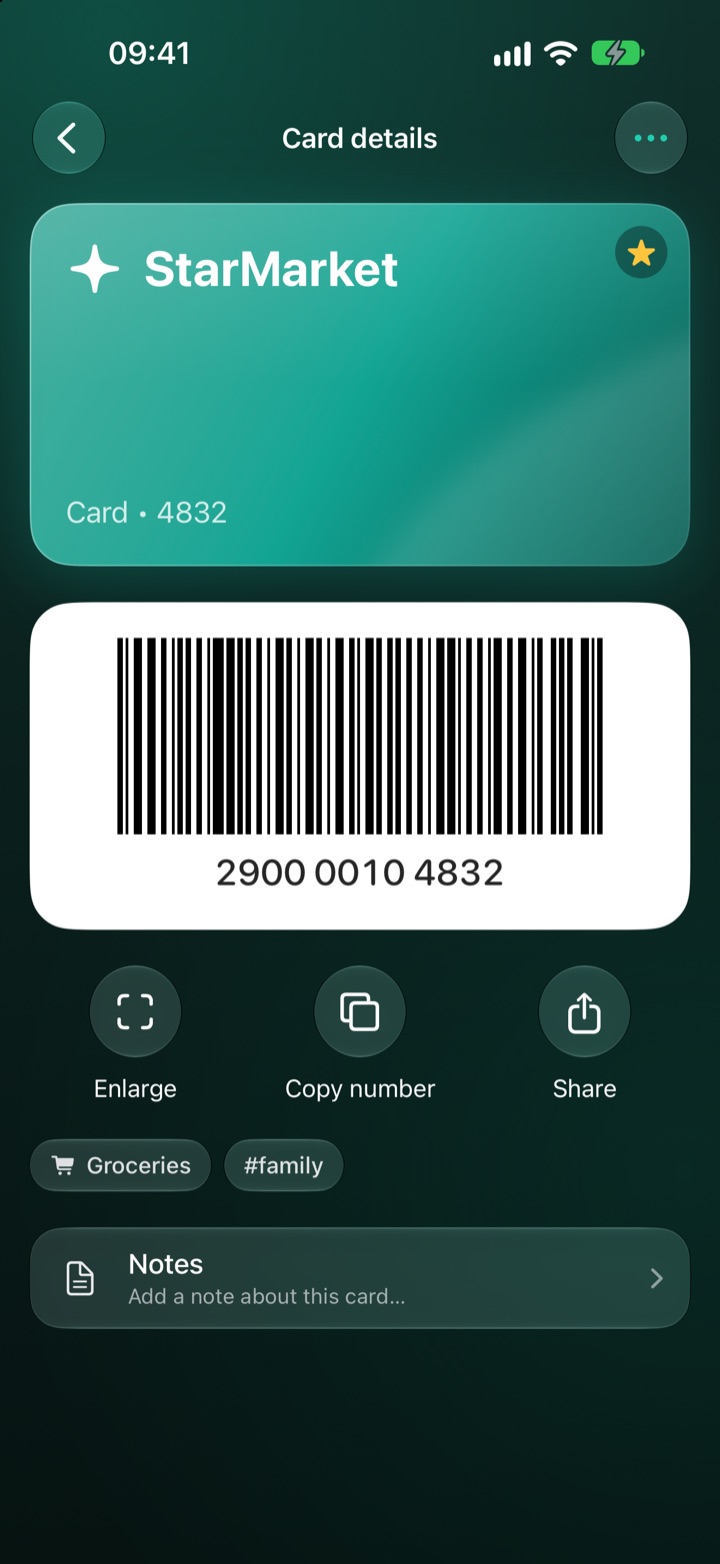
Kartemo keeps your loyalty, discount and membership cards on your iPhone and Apple Watch. Show the barcode at checkout and leave the plastic at home.
Free · iPhone with iOS 18 · Apple Watch with watchOS 11
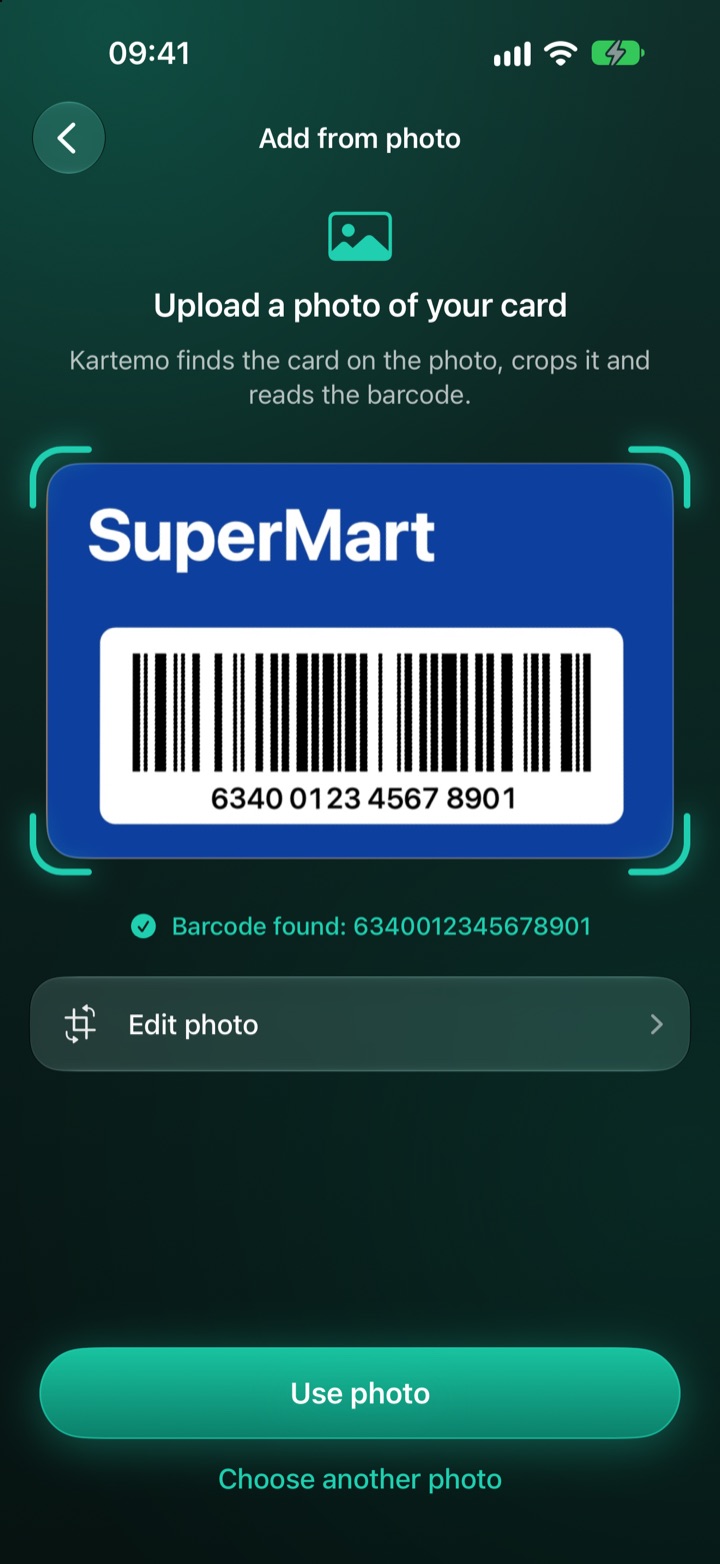
Add a card in seconds
Three ways in, and none of them asks you to type more than you have to.
Scan card
Barcode found: 2900001048323
Point the camera at the barcode on your card
Made for the checkout
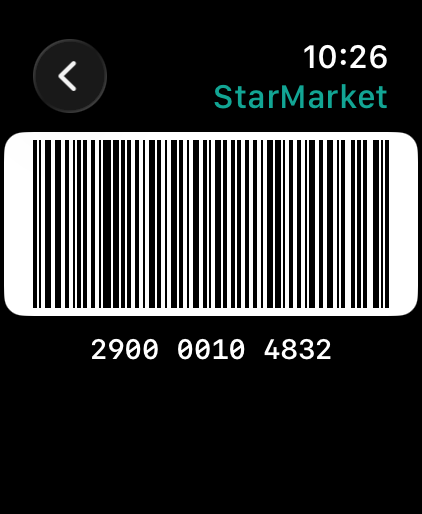
A big, sharp barcode on a white panel. Brightness goes up while the card is open and comes back down when you close it.
Barcode formats
- EAN-13
- EAN-8
- UPC
- Code 128
- Code 39
- ITF
- Codabar
- QR
- PDF417
- Aztec
Check digit 3. Ready to scan.
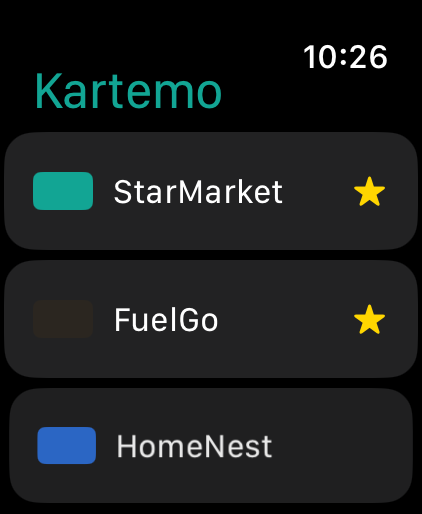
On your wrist, even without your phone
Cards are copied to Apple Watch and open with no iPhone nearby. Add Kartemo to your watch face and the card you use most is one tap away.
- Watch face and Smart Stack widgets
- Home Screen and Lock Screen widgets on iPhone
- Find a card from Spotlight, Siri or Shortcuts
Your cards, your way
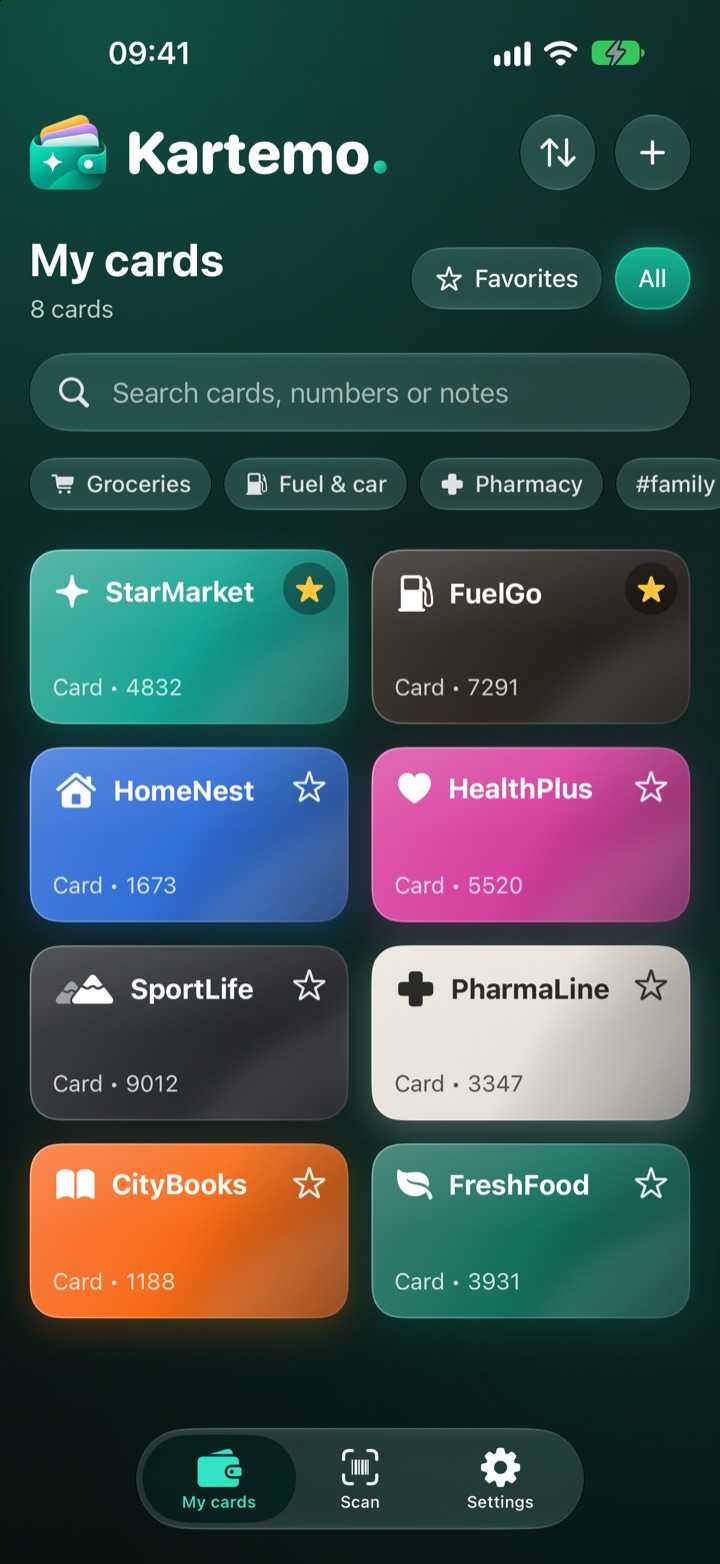
Colors, icons and photos
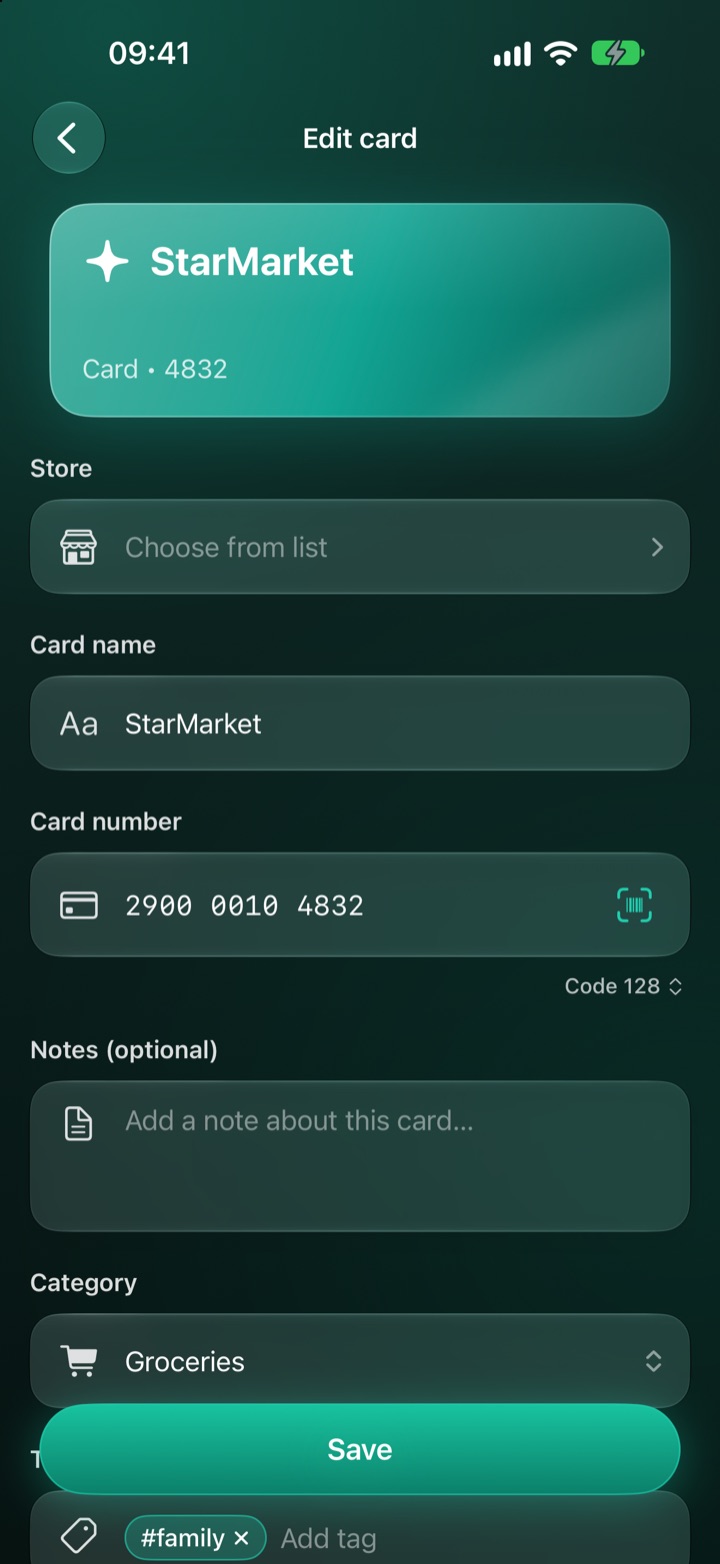
Give each card its color and icon, and keep photos of the front and back.
Categories and tags
Groceries, Fuel & car, Pharmacy, or your own tags like #family.
Favorites first
Star the cards you use most, search by name or number, and sort by most used.
No account.No ads.No tracking.
Your cards live on your devices and in your own iCloud. We never see them, and Kartemo has no server to send them to. Lock the app with Face ID if you share your phone.

Leave the plastic at home
Kartemo is free on the App Store for iPhone and Apple Watch.
Download on the App Store